Metroid Prime 4: Beyond Beginner Guide: 10 Tips to Survive Viewros
By AS Gaming EditorialNovember 25, 20265 min readNintendo Switch
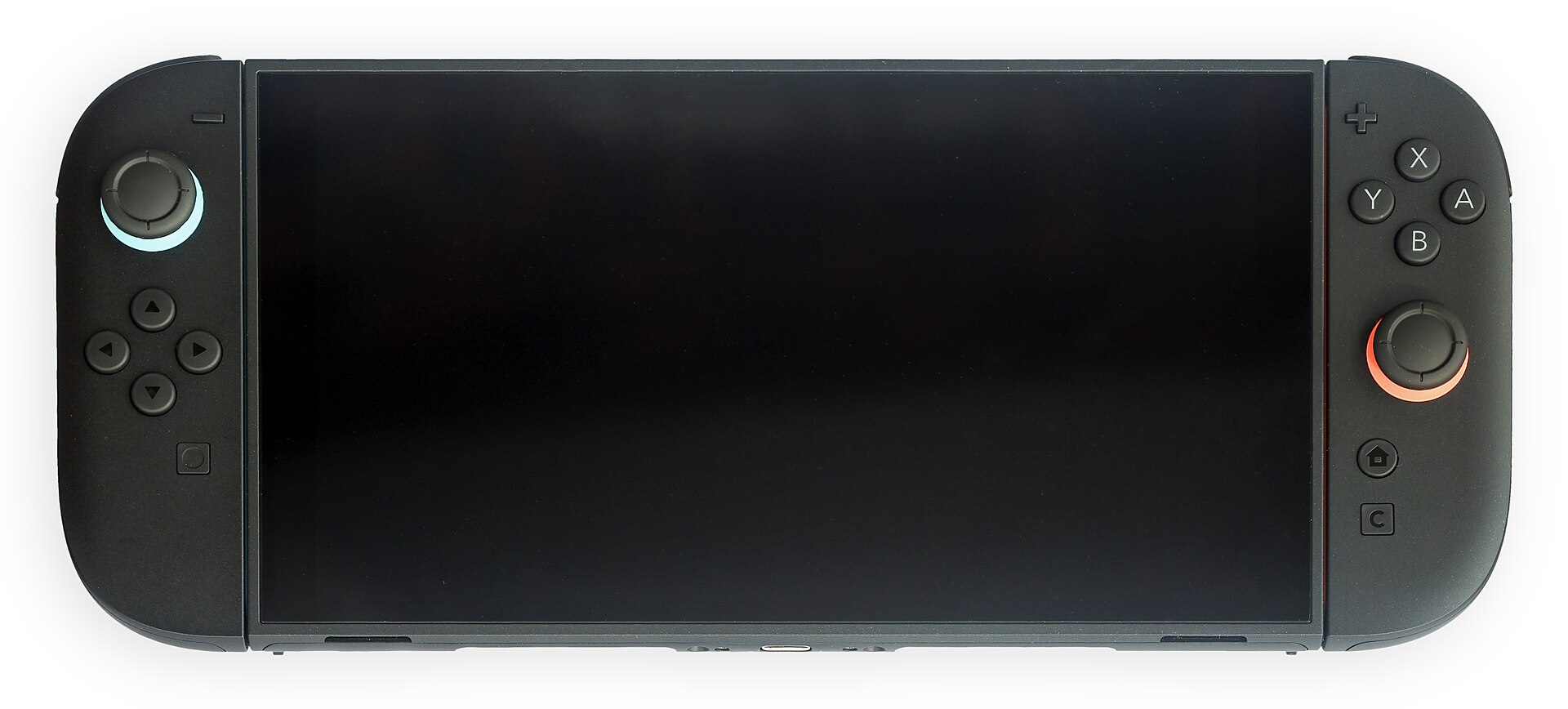
Source: Crisco 1492 via Wikimedia Commons (CC BY-SA 4.0)
Metroid Prime 4: Beyond is finally here, and it has been a long wait. The first mainline Metroid Prime since 2007 launched on December 4, 2025 for Switch and Switch 2, and it drops Samus Aran on Viewros, a hostile alien planet full of ruins, strange creatures and doors that refuse to open until you find the right ability. This Metroid Prime 4 beginner guide covers the settings to change first, the habits that will save you hours, and 10 tips to get through your opening hours without bouncing off the game.
Metroid Prime 4 beginner guide: fix the settings first
Before you take a step on Viewros, spend five minutes in the settings, because the defaults are not the best way to play. On Switch 2, the game offers a Quality mode targeting 4K at 60fps and a Performance mode targeting 1080p at up to 120fps. Quality looks great, but Performance is the smarter pick for combat, where a dropped frame can get you killed. You can switch later, so try Performance first and only move to Quality if you miss the extra detail.
Aiming deserves the same attention. The Switch 2 edition offers three control schemes: Dual Stick Fusion for a modern twin-stick feel, Pointer Fusion for motion aiming, and a mouse mode that turns the right Joy-Con 2 into a mouse when you rest it on a surface. Gyro aiming is worth turning on even if you normally ignore motion controls, because many enemies have small weak points that are hard to track with a stick alone. Set the sensitivity low, around 20 to 30 percent, until it feels natural.
One more fix: the game ships with two different jump buttons, one for Samus on foot and one for the Morph Ball. Dig into the controls and set them to the same button. It is a small change that removes a constant annoyance for the whole game. While you are there, raise the helmet opacity in the HUD settings if you want Samus's visor reflection and the steam on the glass to show more during fights.
Scan first, shoot second
Scanning is the core of every Metroid Prime game, and Beyond makes it more useful than ever. Hold left on the D-pad to bring up the Scan Visor, then scan everything: enemies, statues, ruins, doors, machines. Scanning a new enemy reveals its health bar, highlights its critical hit spot in red, and tells you which beam it is weak against. That is free information, and it turns fights you would lose into fights you win.
Scanning also solves puzzles. Many doors and elevators have no visible button, and the answer is almost always something you can scan. Statues and ruins on Viewros carry clues about how to advance, and some scans even hint at boss tactics. If you are stuck in a room with no exit, stop guessing and scan the room. The game is telling you the answer, just quietly. Treat scan entries as collectibles too, because completionists will want a full log by the end.
10 tips for your first hours on Viewros
Change your settings before you start: Performance mode, gyro aiming on, one jump button for both forms.
Scan everything before you shoot it. Health bars, weak points and door clues all come from the Scan Visor.
Smash the green crystals you see in the Sol Valley desert with the Vi-O-La motorcycle. The game tells you to do it, and it means it.
Set the Morph Ball jump to the same button as your normal jump. Do this in the first hour, not the tenth.
Mash the A button during transitional cutscenes. Once loading finishes, you can skip them, and the game never tells you when that happens.
Use the ice beam on fire-themed enemies. It freezes most enemies in place for a few seconds and shuts down fire types fast.
Mark blocked doors and unreachable items on your map. You will come back for them with a new ability, and a marker saves you from wandering.
Lock on with the left trigger and dodge in four directions. Learn an enemy's timing while locked on instead of trading hits.
When you are stuck, try your newest ability first. The game almost always wants you to use what you just unlocked.
Use Samus's psychic abilities on mechanisms, not just in combat. They open areas and operate devices that guns cannot.
Combat: lock on, dodge, freeze
Combat in Beyond is faster and more aggressive than the old Prime games, but the fundamentals still work. Lock on to keep your aim glued to a target while you strafe, then dodge the moment an enemy telegraphs an attack. Different beams suit different targets, so keep switching: missiles for armored foes, ice to freeze anything that rushes you, and your psychic powers to move enemies or break their defenses when gunfire is not enough.
The Vi-O-La motorcycle is not just transport. It smashes green crystals, breaks barriers and can be used offensively in designed sequences across the desert. Treat the open desert as its own zone: ride it, clear it, and use it to reach the far biomes quickly. For more Switch 2 starting advice, our Pikmin 4 Switch 2 guide covers another big Nintendo launch, and our Stellar Blade Complete Edition review looks at how a PS5 hit holds up as a Switch 2 port. If you want a second opinion on the basics, Kotaku's seven tips cover the same ground from a different angle.