NVIDIA Driver 621.40 Finally Fixes the SSD Write Bug, So Update Now
By AS Gaming EditorialNovember 25, 20265 min readPC
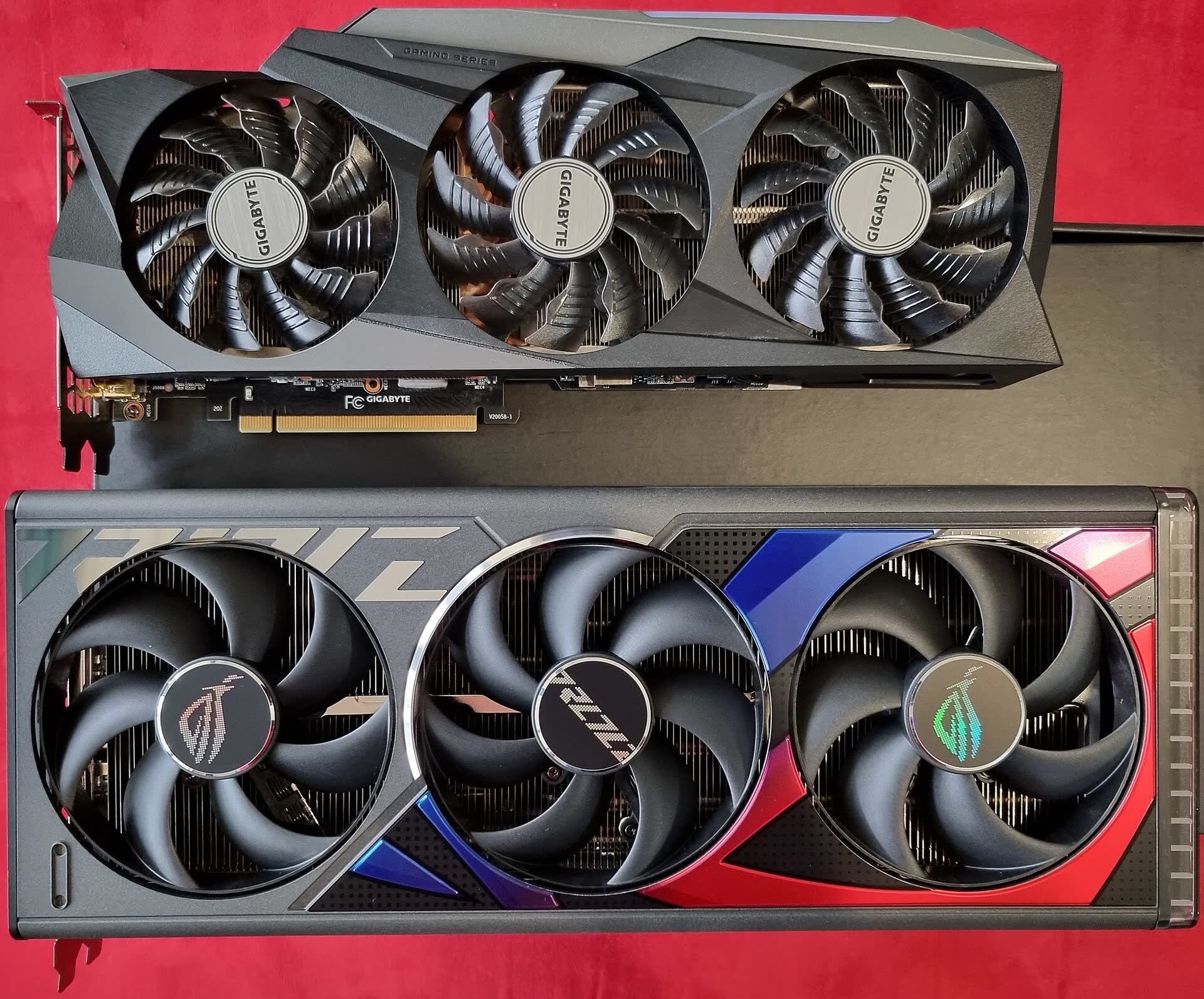
Source: Benlisquare via Wikimedia Commons (CC BY-SA 4.0)
NVIDIA has released GeForce Game Ready Driver 621.40, and if you own a GeForce card, this is the update to install. The WHQL release finally fixes the excessive background SSD writes that have been chewing through drive endurance since driver 621.14, and it does it in a proper stable release instead of an optional hotfix. The full breakdown is on 80 Level, and the short version is simple: update now, then check that the writes have stopped.
NVIDIA driver 621.40 SSD fix: what went wrong
The bug was ugly in a quiet way. Starting with drivers 621.14 and 621.24, the NVIDIA Display Container process began rewriting a log file called nvlog.nvlgstg over and over, even when the PC was sitting idle. Users who noticed it found continuous disk activity in Resource Monitor, and the writes added up: constant small writes are exactly the kind of workload that eats SSD lifespan for no benefit at all. The problem was first reported publicly around November 20.
NVIDIA's first answer was GeForce Hotfix Display Driver 621.35, released over the weekend. It listed the same bug, tracked as bug ID 7116722, as fixed. The problem was that some users saw the writes come back after several hours on the hotfix, and NVIDIA never commented on those reports. Driver 621.40 is the second attempt, and this time it is a full WHQL release built directly on top of the hotfix branch. The release notes list the fix plainly: excessive writes to file nvlog.nvlgstg may occur in background. Early feedback says the writes have stopped, with one RTX 4090 owner reporting the update fixed their rig, though independent testing of the fix is still catching up, so treat it as fixed by NVIDIA and verify it yourself.
How to check the writes have stopped on your PC
You do not need special tools to verify the fix. After installing 621.40, open Windows Resource Monitor, go to the Disk tab, and watch the active disk writes for NVDisplay.Container.exe. If the process is no longer hammering the log file, the fix is working on your machine. You can also check your SSD's total bytes written counter before and after the update if your drive software exposes it, which gives you a harder number than watching a graph.
One caveat from early reports: if you still see disk activity tied to the NVIDIA App overlay, that may come from the separate Frameview FvContainer component rather than the display driver itself. That is a different process with a different cause, and it is not what bug 7116722 covers. If the container writes are gone but overlay writes remain, the driver fix did its job and the overlay is a separate thing to look at.
How to install 621.40
The easiest path is the NVIDIA App. Open it, go to the Drivers page, and click Download next to Game Ready Driver 621.40, then install. If you prefer to do it by hand, download the driver for your card from NVIDIA's driver page and run the installer, choosing the clean install option if you want to wipe the old driver completely. After the install, check your driver version in the NVIDIA App or Device Manager to confirm you are on 621.40.
If you are on 621.14, 621.24 or the 621.35 hotfix, this update is aimed directly at you. If you are still on an older stable release like 621.01 or 617.42 and everything works, there is no emergency, but the SSD fix alone is a good reason to move up, and you get the game support below as well. TweakTown's coverage has the same advice: install it, then verify.
What else is in the driver
Beyond the SSD fix, 621.40 is Game Ready for Warhammer 40,000: Dawn of War IV and Assetto Corsa Rally, and it adds DLSS 5 support with 3D-Guided Neural Rendering in Where Winds Meet. Dawn of War IV's Commander Edition opens on November 30, three days before the worldwide launch on December 3, so the timing is deliberate.
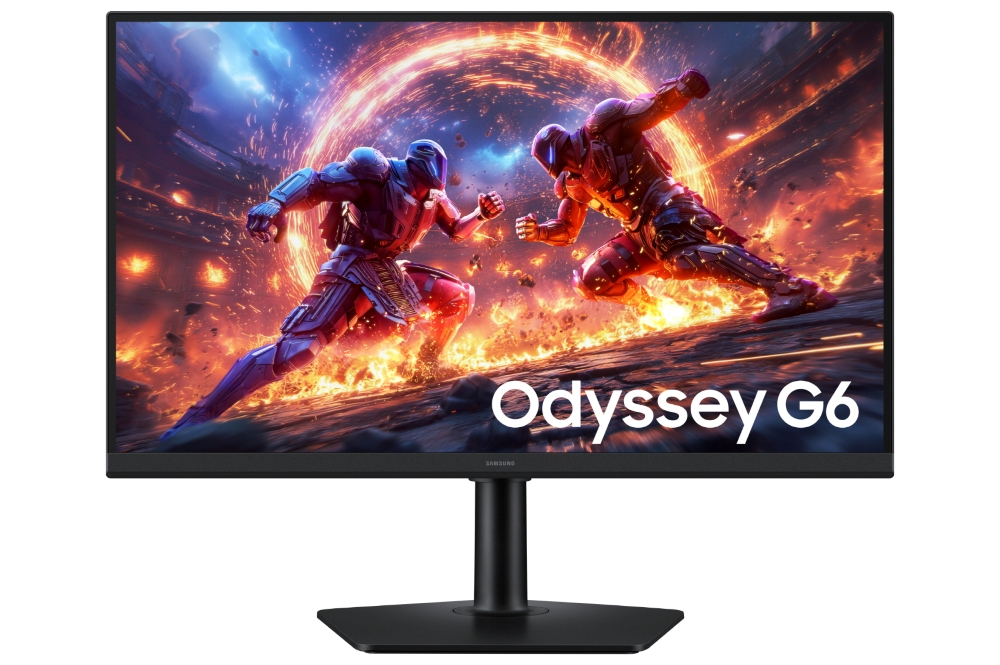
Two more general bugs are fixed as well: the NVIDIA OptiX Denoiser in Chaos Vantage could fail at high resolutions, and Windows Photos and Media Player showed incorrect colors with DJI D-Log H.265 video. The driver covers GeForce RTX and RTX Spark cards on Windows 10 and Windows 11 64-bit. For more PC hardware coverage, see our look at the Samsung Odyssey G6 and the MSI MEG X QD-OLED ultrawide.