Black Friday Gaming Monitor Guide 2026: Match the Screen to Your GPU First
By AS Gaming EditorialNovember 27, 20266 min readPC
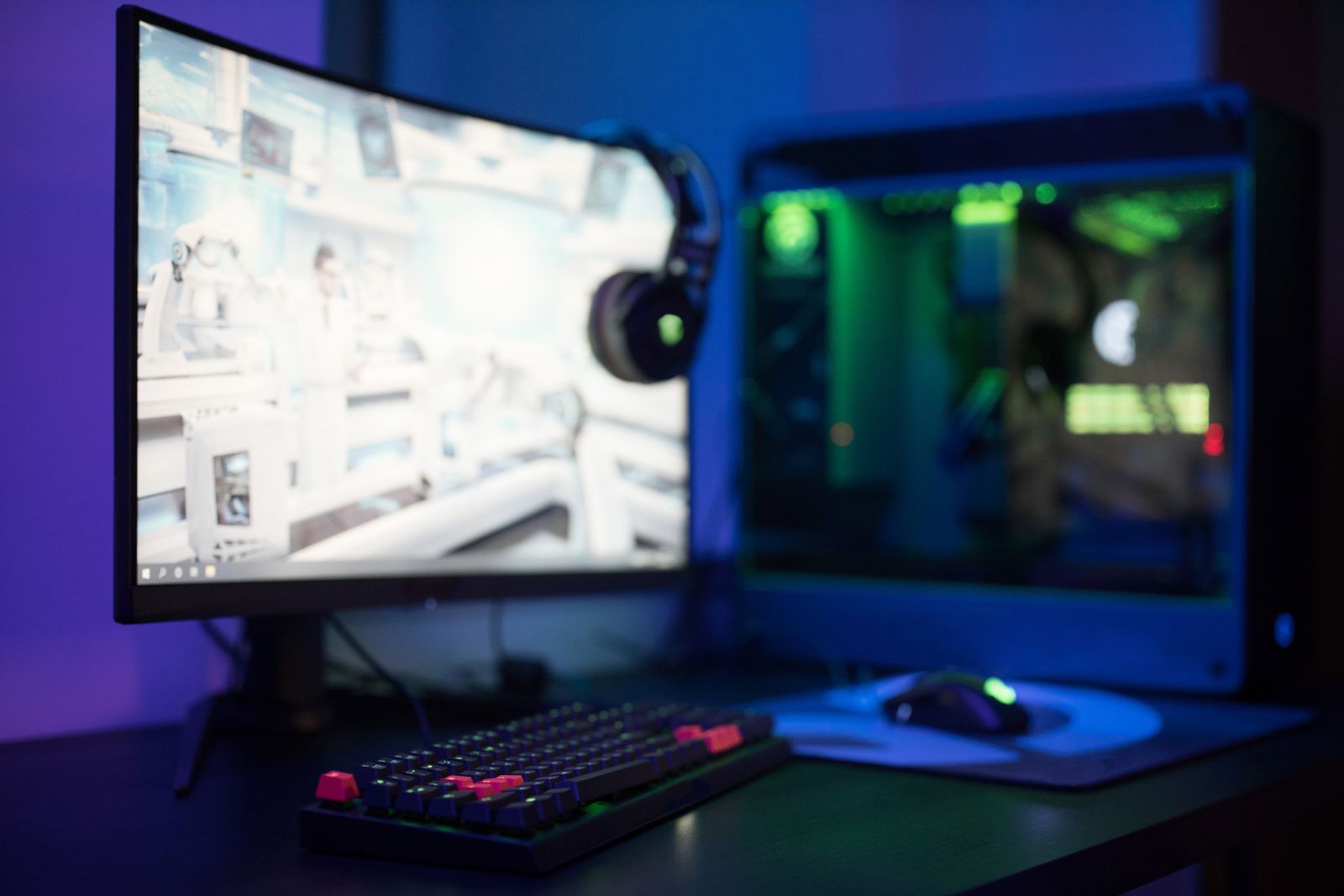
Source: Ron Lach (Pexels)
This Black Friday gaming monitor guide starts with the only rule that matters: buy the screen your graphics card can actually drive, then shop the price. Black Friday is today, November 27, and the monitor aisle is where the smartest money in PC gaming gets spent this weekend. Monitors headline the early sale guides for a reason: a 27-inch 1440p OLED that cost $800 or more in 2024 now sells in the $400 range, and Cyber Monday on November 30 keeps the window open for anyone who misses the first wave. But the best deal is not the biggest discount. It is the screen your graphics card can actually drive.
Match the monitor to your GPU first
A 4K 240Hz panel wastes money when your card renders 50 frames per second at 4K, while a 1440p 144Hz screen fits most mid-range cards well. Use the tiers below as the starting point, then judge any deal against the listing's recent price history, not the crossed-out list price. Prices move by the hour in sale week, so a number printed in an article is stale within hours, and the Black Friday monitor picks at PC Bottleneck Lab make the same point with a full tier table.
RTX 3060 or RX 6600 class: 1080p 144Hz or 1440p 144Hz. These cards hold high frame rates at 1440p in most games.
RTX 4060 or RX 7700 XT class: 1440p 165Hz to 240Hz. This is the sweet spot for esports and AAA alike.
RTX 4070 or RX 7800 XT class: 1440p 240Hz OLED. OLED motion shines when the card holds 144 frames per second or more.
RTX 4070 Ti class or better: 4K 144Hz to 240Hz. Only these cards fill a high-refresh 4K panel.
RTX 5080 or RTX 5090 class: 4K 240Hz OLED. The only cards that push 4K OLED near its refresh rate.
Consoles fit the same logic from the other direction: a PS5 or Xbox Series X targets 4K at 60 or 120Hz, so a 4K 120Hz panel with HDMI 2.1 is the right match there, and a 240Hz PC panel buys a console player nothing extra.
Black Friday gaming monitor picks: the 1440p sweet spot
This is where the best Black Friday gaming monitors live this year, because OLED prices fell hard. The LG 27GX704A-B is a 27-inch 1440p OLED at 240Hz, and RTINGS scored it 9.0 for PC gaming, pointing to near-instant response and low input lag. The Acer Nitro XV272U W2 is the budget pick: a 27-inch 1440p IPS panel at 240Hz that undercuts the OLEDs by a wide margin. The ASUS TUF Gaming VG27AQ is the value pick, a 27-inch 1440p IPS rated at 165Hz with a 1ms response time. The same 1440p 240Hz OLED formula shows up in the AOC AG276QZD2, the Gigabyte GO27Q24A and the Acer Predator X27U W2, which uses a QD-OLED panel. SpecPicks has the five-pick shortlist with price tiers instead of dollar figures, which is the right way to read a sale like this: budget under $150, mid-range $150 to $400, premium over $400.
If you only buy one thing this weekend, buy in this tier. A 27-inch 1440p screen sharpens text without crushing frame rates, and it is the size where OLED finally makes sense for most desks.
When 4K makes sense
4K pays off with a high-end card or a console, and the most interesting panel of the sale is the one that serves both. The KOORUI 27-inch 4K QD-Mini LED (S2741LM) is a dual-mode panel: 4K at 160Hz for AAA games, and 1080p at 320Hz for esports, with 1,152 dimming zones. It is the only pick that covers both jobs from one screen. The MSI MPG 321CRUX QD-OLED X24 is the bigger swing: a 32-inch 4K QD-OLED at 240Hz. Both are premium-tier panels, and both need a card that can fill them.
The speed freak pick
For competitive players, refresh rate is the whole argument. The MSI MAG 272QP QD-OLED X50 is a 27-inch 1440p QD-OLED at 500Hz, and it is the fastest OLED in the sale. The Samsung Odyssey G6 G60H goes further on paper at 1,100Hz, but it does that at 720p, which is the catch we flagged when we covered it. The ASUS ROG Swift OLED PG259QWS Ace is the more sensible version of the same idea: a 720Hz OLED built for tournament play. If your main games are Counter-Strike 2, Valorant or Fortnite in performance mode, 1080p at high refresh is still the right answer, and it is also the right answer for a second screen or a kid's PC.
How to spot a real deal
Three checks before checkout. First, compare against the listing's recent price history, not the crossed-out list price: a panel that was $400 last week and $400 today is not a deal, whatever the badge says. Second, check the ports: HDMI 2.1 matters for consoles, DisplayPort 1.4 matters for high-refresh PC, and a height-adjustable, pivoting stand matters more than it looks on a spec sheet. Third, remember OLED burn-in is real but managed: static elements can leave a ghost image over long periods, and modern panels have mitigations built in, but a screen that shows the same HUD for eight hours a day needs a warranty you trust. Newegg's Black Friday monitor guide runs through the same checks with its own picks, and the MSI MEG X ultrawide we covered earlier is worth a look if you want 34 inches of QD-OLED instead of 27.
Buy the resolution your GPU can fill, then shop the price. That order is the whole guide, and it is the difference between a monitor you notice every day and a sale badge you forget by Monday.